How to log into your Climeet app?
Written By Talia Livio
Last updated 9 months ago
To connect to the Climeet application, nothing simpler!
First, go to your Climeet login page.
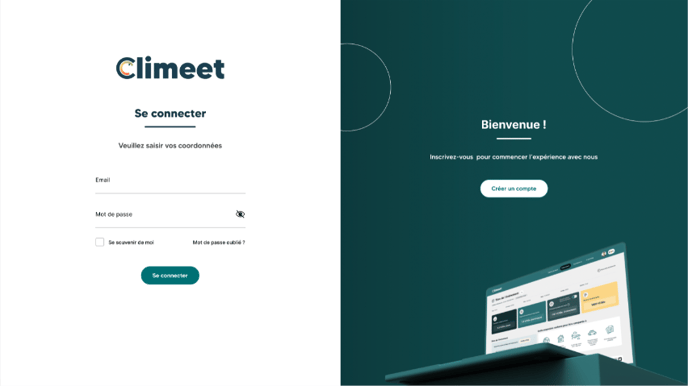
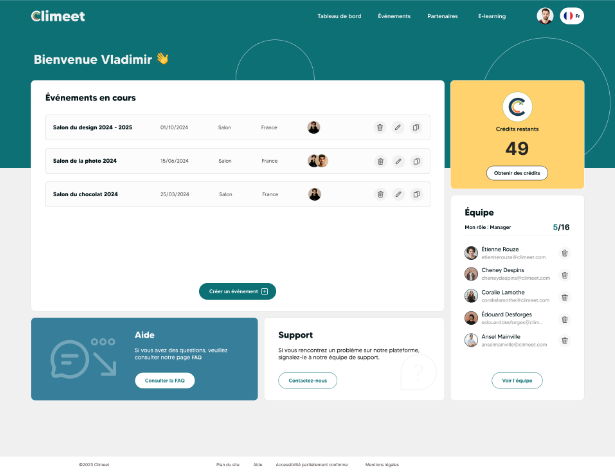
Here, enter your username and password, and you will be redirected to your dashboard.
Signing up couldn't be easier:
Click on the “Create an account” button.
Fill in the requested information. If you are a service provider, click on the organizer button and select the service provider option.
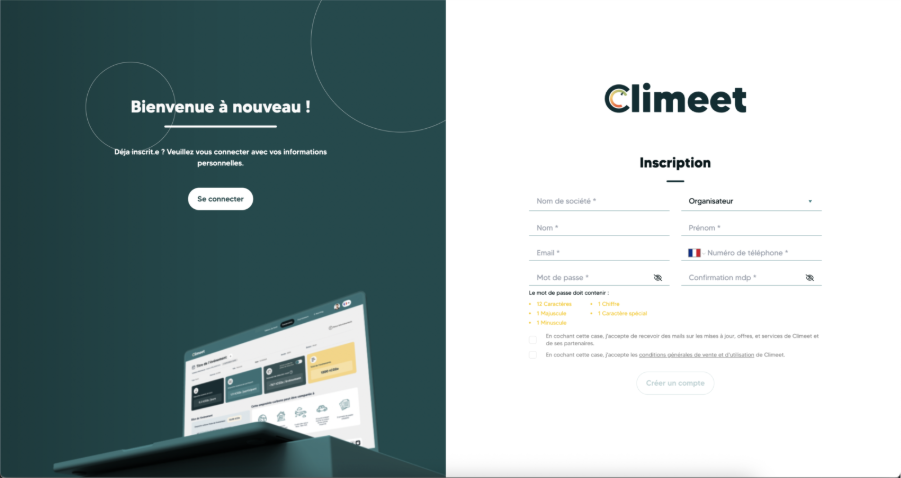
Click on the Create Account button.
Confirm the creation of your account via the email sent to you by Climeet to the email address you provided.
Was this helpful?
Still need help? Share an idea